Turn team conventions into agent instructions and reusable skills
Put standing rules in project instructions, repeatable procedures in repository skills and task details in the prompt.
If every agent request begins with the package manager, the test command and a warning about the generated files, you're maintaining a setup document in the chat box. One day someone leaves out the warning and the agent spends half the task editing code that the next build replaces.
Hoplite agents have separate places for standing instructions, reusable skills, and the current task. Use them according to how often the information applies.
Put recurring constraints in project instructions
Project instructions live under Settings, Project, Agent and are prepended to every run. Use them for facts that affect most work in the repository, such as architecture boundaries, canonical commands, and generated file paths. The instructions documentation describes their scope.
For example, a short instruction block could say:
Use the package manager declared by this repository and preserve its lockfile.
Keep HTTP handlers thin; put business rules in the service modules.
Edit the schema source rather than generated client files.
Run the relevant tests for changed behavior and report the exact commands.
Ask before changing public API behavior or production deployment settings.
Make those instructions match the actual project. "Follow best practices" asks the agent to guess which practices your team means. A file path, command, or specific boundary gives the agent something concrete to check.
Keep the block short enough to maintain. Old architecture notes are worse than missing ones when they confidently describe a directory that no longer exists.
Put procedures in a skill
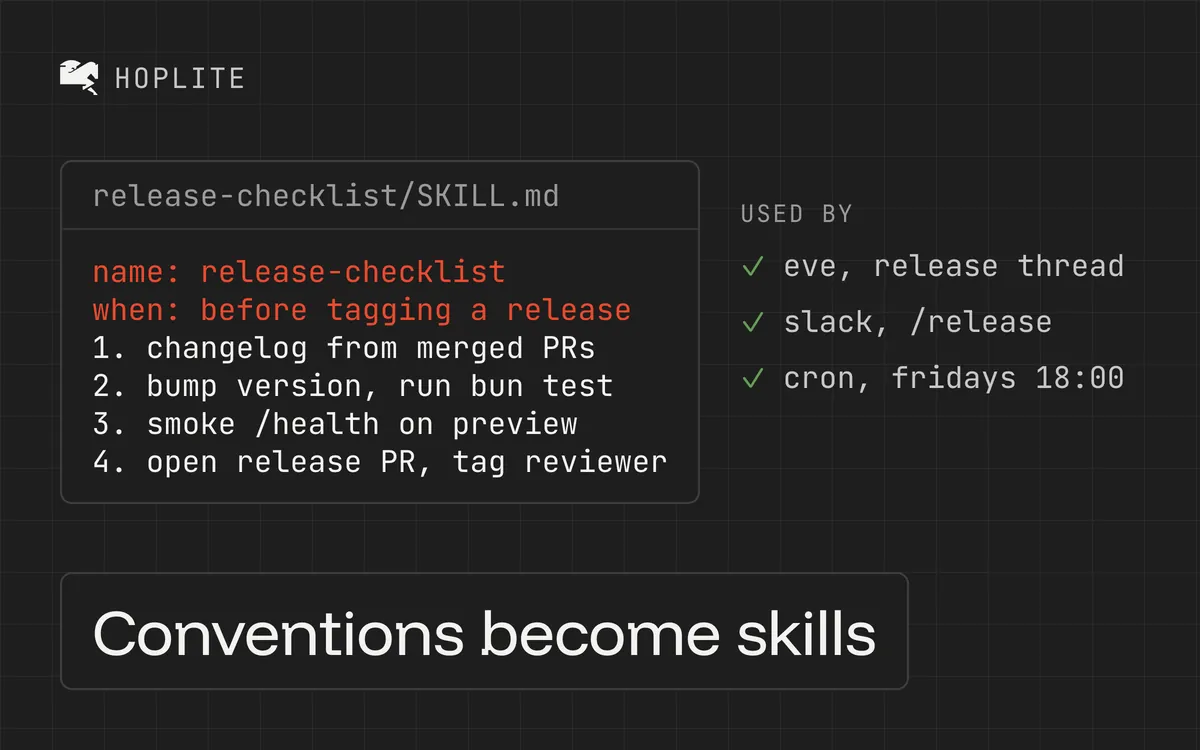
A release check has several steps but applies only to release work. A migration review has different steps and needs its own skill. Hoplite agents read a repository's skills from .agents/skills (or the compatible .claude/skills) when a task calls for them, instead of carrying every procedure in every run; hosted personal skills load through the load_skill tool.
Scaffold a project skill with the documented CLI command:
hoplite skills add release-check --description "Prepare and verify a production release"This creates .agents/skills/release-check/SKILL.md. Write the project procedure there and commit it. hoplite skills list lists skills from .agents/skills and the compatible .claude/skills location. See the skills guide.
A useful release skill might instruct the agent to inspect the candidate commit, check migrations for compatibility, run the repository's release checks, and summarize unresolved failures. It should say whether publishing is authorized. Without that, "Prepare a release" leaves the publishing permission unclear.
Use a description that tells the agent when to load the skill. A clever name helps humans remember it; a precise description helps the agent select it.
Keep the assignment in the thread
A task prompt should contain the behavior being changed and its acceptance criteria. Avoid copying the whole skills library into it.
For example:
Add support for the new optional export column. Preserve the existing default output and add a regression test for callers that omit the option. Use the repository's export-review skill before preparing the PR. Stop if the change requires a new export format.
The prompt names the current job. Project instructions supply standing constraints and the skill supplies the review procedure. If the agent needs a fact unique to this task, such as a sample input, include it in the request.
Teams that already maintain AGENTS.md should avoid creating conflicting copies of the same rule. Check how your agent loads repository files before you rely on precedence. For Hoplite, use project instructions for rules that should accompany every run.
Share skills through the repository
Personal skills are useful for individual workflows. To copy selected skills you installed locally with npx skills add ... --global into your personal Hoplite library, run hoplite skills import-global --name <skill-name>. That import reads only the root SKILL.md. If a skill relies on companion scripts or references, check what actually arrived before you rely on it.
Personal skills apply only to projects you start and never to automations. A repository skill takes precedence when it shares a name with a personal skill. Put team automation procedures in the repository so they work no matter who created the schedule.
Test the instructions with an ordinary task
Choose a small change that should exercise one convention and one skill. Inspect whether the agent loaded the skill, followed the correct command, and stopped at the intended boundary. Revise vague wording when it causes a specific mistake.
Start by moving the instructions you repeat most often into project settings. Then turn one longer procedure into a committed skill and try it on a task you already know how to review.