Move an active coding-agent task to the cloud without losing the thread
A preflight and recovery checklist for transferring a live task, including conversation, repository state, and environment checks.
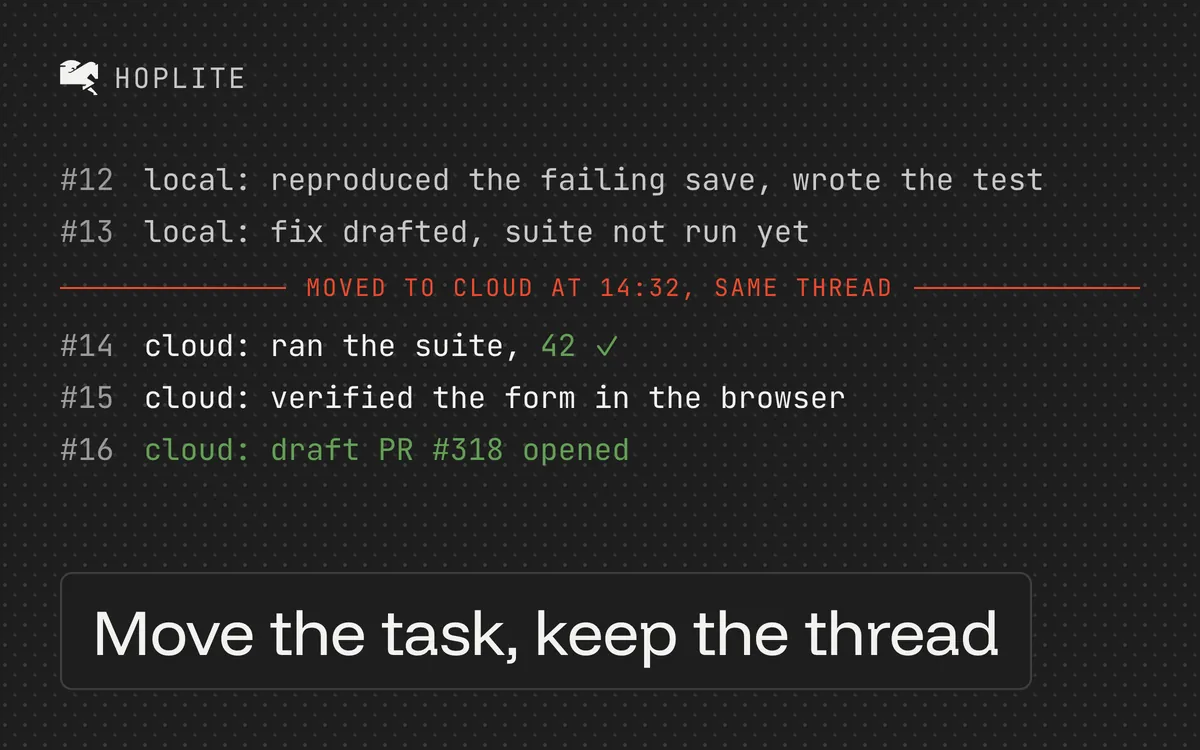
The awkward moment to move a coding task is halfway through it. The agent has found the failing path, changed two files, and tried several approaches. Some of that progress exists in Git. Some exists only in the conversation. A test server is still running with state nobody wrote down.
Before moving the task to a cloud agent, make those dependencies explicit. The transfer is easier to verify when you know what the new environment should receive and what it needs to recreate.
Write a handoff summary
Pause the local work at a stable point. Ask for a short factual handoff summary, then check it against the files and test output. For example:
Fix the pagination boundary bug. The current hypothesis is an off-by-one calculation in pageCount. The branch contains a regression test for exactly 20 records, which still fails. An earlier attempt changed the API response shape and was reverted because existing consumers rely on it. Keep that response shape. Next, inspect pageCount, make a minimal fix, and rerun the pagination suite.
Include the commands and relevant errors in readable text. Most transfer paths carry the conversation but not tool output or hidden reasoning. "Use the error above" won't help if that error exists only in an excluded tool response.
Be selective with logs. Redact credentials and customer information, and keep the part that explains the failure.
Check the Git state
These commands help you inspect a Git checkout:
git status --short
git branch --show-current
git log -1 --oneline
Confirm the repository and branch, then review the task's diff. Commit and push the files needed to continue, using your normal review process. Keep unrelated local edits out of that commit.
A transfer can't carry uncommitted files or unpushed commits into an environment that clones from the remote. If your tool offers to commit and push everything for you, check what "everything" includes first.
Ignored files stay local. A fixture hidden by .gitignore can be just as important to reproduction as a source file, so replace it with a suitable committed test fixture or recreate it through setup. Move secrets through the target environment's own settings, never through the conversation.
Recreate running processes
A transfer doesn't move the running test server or database process. Identify the startup commands, service dependencies, and any temporary data the task needs.
The target environment's setup and run scripts should recreate all of that from a fresh clone. If reproduction depends on a manually edited local database, write a small synthetic fixture that demonstrates the same behavior. A new agent can't infer which rows you changed yesterday.
If you don't want to rebuild the session by hand, hoplite handoff moves your current Claude Code, Codex, or OpenCode session to the cloud and warns about the unpushed state above.
Verify the cloud environment first
The transfer starts a live run, so make its first instruction a verification step:
Report the current branch and commit. Confirm the regression test and changed source files are present. Summarize the next action from the handoff. Run the failing test before editing, and stop if the failure differs from the recorded one.
This checks that the new environment received the expected code and understands the work. Read the response and inspect the test evidence. If setup fails, fix the environment before letting the agent reinterpret the bug around missing dependencies.
Once the baseline matches, continue with the bounded repair. Keep the local agent paused so two agents don't independently update the same branch.
When context is missing
If the agent seems to have lost context, identify what is missing. Missing code usually means the wrong branch or unpublished changes. A missing conclusion needs an explicit summary. A missing tool result needs a redacted copy or a rerun. A missing process needs startup configuration.
Avoid solving every mismatch by importing more history. Often one precise correction is enough. Ask the cloud agent to repeat its next action after you supply it.
For longer tasks, push useful checkpoints. Even when the cloud environment can restore a snapshot, changes made after that snapshot may be lost. Finish the migration by checking one concrete result in the cloud, such as the expected failing test, before you shut down the original workspace.