How to run parallel coding agents without conflicting changes
Split agent work by dependency and ownership, isolate execution, and verify the combined result before merging.
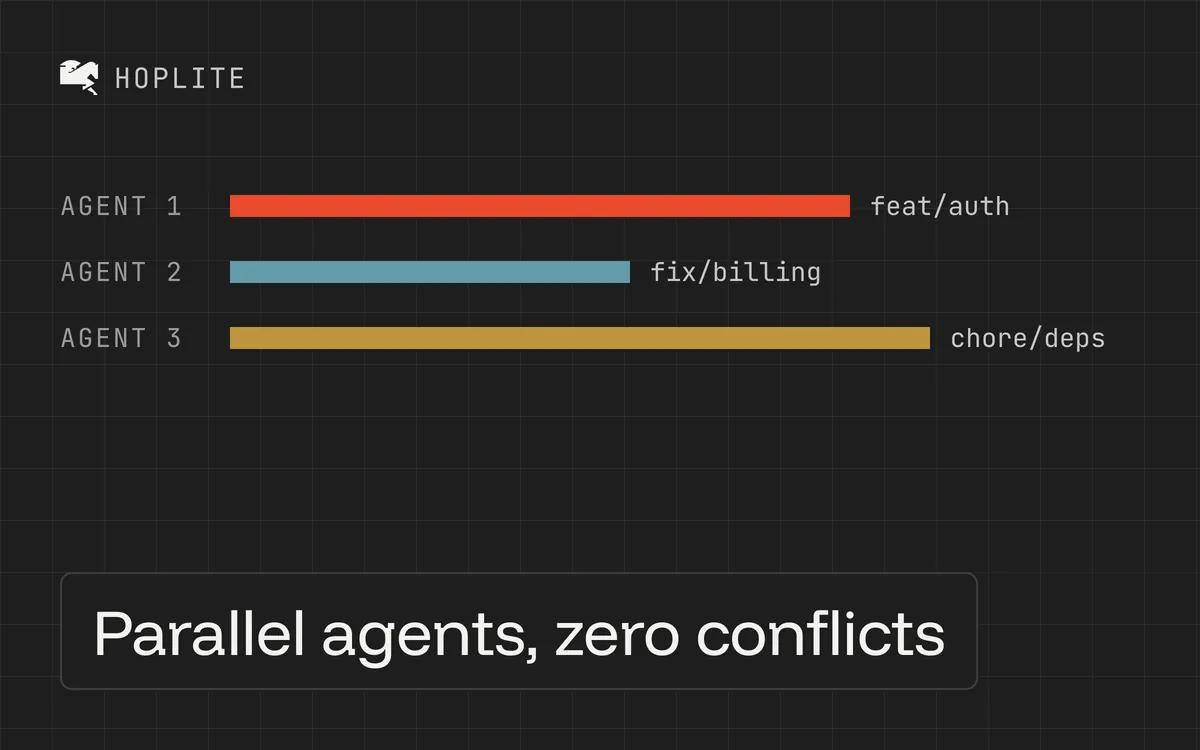
You assign one agent the API, another the settings page, and a third the tests. Half an hour later, all three have changed the shared validation schema. Each branch looks reasonable on its own. Combining them is now a fourth task.
Parallel work helps when tasks can proceed independently. Giving every task its own machine solves execution conflicts, but the agents can still disagree about the code they eventually need to share.
Treat parallel agents like teammates on separate branches. Decide ownership and dependencies before starting them.
Map the dependencies first
Consider a hypothetical feature that lets users export their account data. It needs an endpoint, a settings-page button, and an email when the export is ready.
Before delegating implementation, settle the API contract. Decide how a request starts an export, how the UI learns its status, and where the result is available. Leave those questions open and every agent has to invent an answer.
A workable sequence is to establish the shared contract first. Once that change is available, the UI and email work can proceed separately. Keep one owner for shared types. Give each task the same agreed behavior and identify which files it may need to read but should leave alone.
Sometimes the diagram is simply a line. If task B depends on the result of task A, run them in that order. Waiting is cheaper than reviewing two incompatible interpretations of the same unfinished design.
Give each agent a complete prompt
A parallel task needs enough context to finish without reading the other agent's thoughts. For the export button, an example brief is:
Add the account-export control to the existing settings page using the agreed export API. Work within the settings UI and its tests. Show pending, ready, and error states using the existing request patterns. Don't change the endpoint or shared response types. If the contract cannot express a required state, report the gap before extending it. Verify the flow in a browser and open a draft PR without merging.
That stop condition matters. Otherwise, an agent blocked by the contract may helpfully redesign it while another agent is building against the original.
Specify the base branch or commit that contains the contract. If one task must consume another task's unmerged work, make that dependency explicit and review it as a dependency. An isolated environment does not automatically contain another agent's changes.
Isolate services too
Each agent needs its own environment. Otherwise the dev servers compete for one laptop's ports and process space. If you don't want to manage worktrees and port assignments, each Hoplite run gets its own sandbox.
External resources still need attention. Two isolated environments can point at the same development database, reuse the same test account, or send email through the same integration. One task resetting a shared database can break another task's perfectly good test.
Give tasks separate disposable databases or an application-supported way to separate their data. Use test credentials for external services. If you cannot isolate a destructive test dependency, schedule those checks sequentially.
For local parallel work, separate worktrees also need separate ports and service state.
Integrate early
Merge the prerequisite change first, then update dependent branches and rerun their checks. A branch passing against yesterday's shared code tells you little about its compatibility with today's merged change.
Rebase dependent branches onto the merged base and rerun their checks. Resolving Git conflicts still requires understanding the intended behavior. Two edits can merge cleanly while producing the wrong application.
For the export feature, verify the combined workflow after integrating the UI and email work. Request an export, observe the pending state, and confirm that completion produces the expected result. Check an error case too. Neither individual PR owns all of that behavior.
Limit concurrency to what you can review
Track how much reviewer work each additional agent creates. If completed PRs accumulate while you reconcile overlapping changes, reduce concurrency and improve the task boundaries.
For your first parallel run, choose two changes in different parts of the app that can ship independently. Review both before increasing the number of active agents. You'll learn more from those boundaries than from the number of agents you managed to start.